I. Check if your device fulfills all requirements for starting a livestream
Recommended Settings:
CPU: Intel I5
Display Card: NVIDIA GTX 750Ti with 2G memory, or other display cards of the same level
RAM: 8G or above
You may need to upgrade the CPU or display card depending on the game you're playing.
II. Check if the internet speed is fast enough for livestreaming
Test link: http://www.speedtest.net/
The required upload speed should be 1Mbps or above (2Mbps recommended).
III. Register for a Nimo account, and start streaming
1. Register and login to Nimo Streamer. 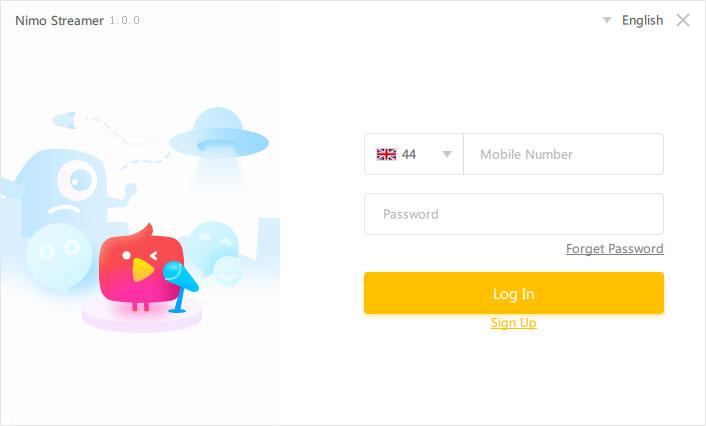
2. Add Stream content, including games, facecam, text and pictures..jpg)
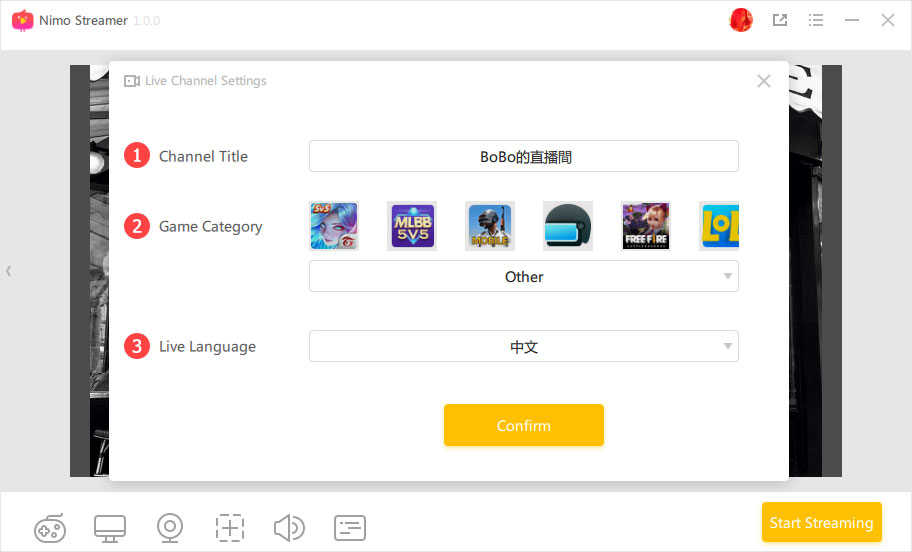
3. Set stream layout and information to go live.